

Communications Tools
Physical Communications
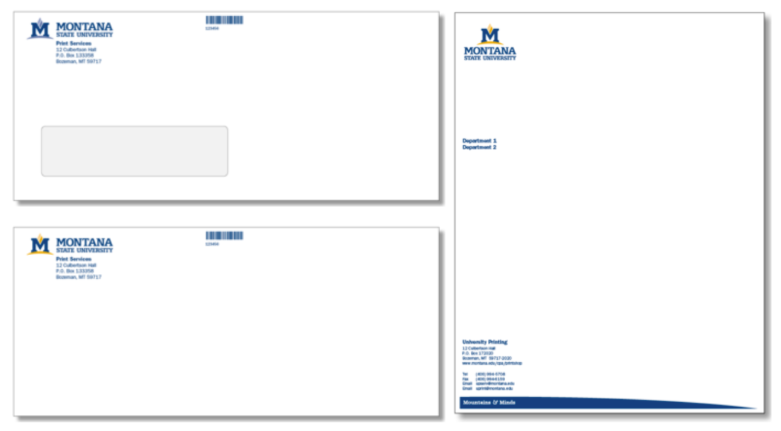
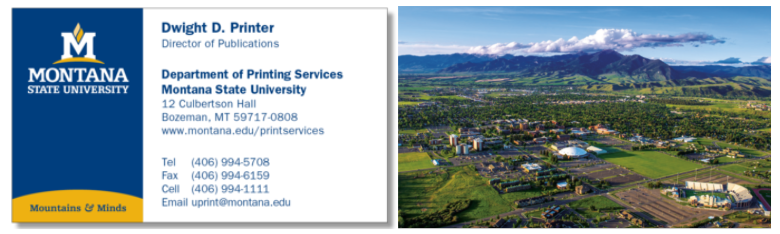
Official University Communications
Nametags
You are welcome to order new MSU logo nametags from several vendors in the area:
- Bozeman Trophy (Bozeman) - (406) 587-0015, orders@bozemantrophy.com
- Personalize It (Bozeman) - (406) 586-4220, orders@rubberstampplace.com
- Ryan's Trophies (Manhattan) - (406) 284-3192, rtrophy747@q.com

Vendor prices, typography styles and turnaround times will vary. As when working with any vendor, be sure to get a cost estimate in writing, and check a proof before printing.
Stick-on nametag template
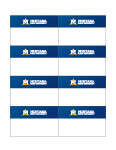 Stick-on name badges in MS Word (for use with Avery product #5309) |
Tent card nameplate template

Nameplate template in Microsoft Word (for use with Avery product #5309)
Looking for other physical communications tools?
Posters, Flyers, Pamphlets, Brochures, Retractable Banners and more can be designed and printed on request with our Creative Sercives Team.
Digital Communication Tools
PowerPoint Template

Standard MSU PowerPoint Template

This is a blank PowerPoint template. It includes multiple slide layouts in various themes, including dark and light backgrounds.
Electronic Letterhead
Please note: The e-letterheads are created with electronic (email and fax) and internal correspondence (memos) in mind. All printed external correspondence should be on official pre-printed letterhead, as the ink colors and paper convey quality and professionalism that the electronic version cannot.
Wallpapers
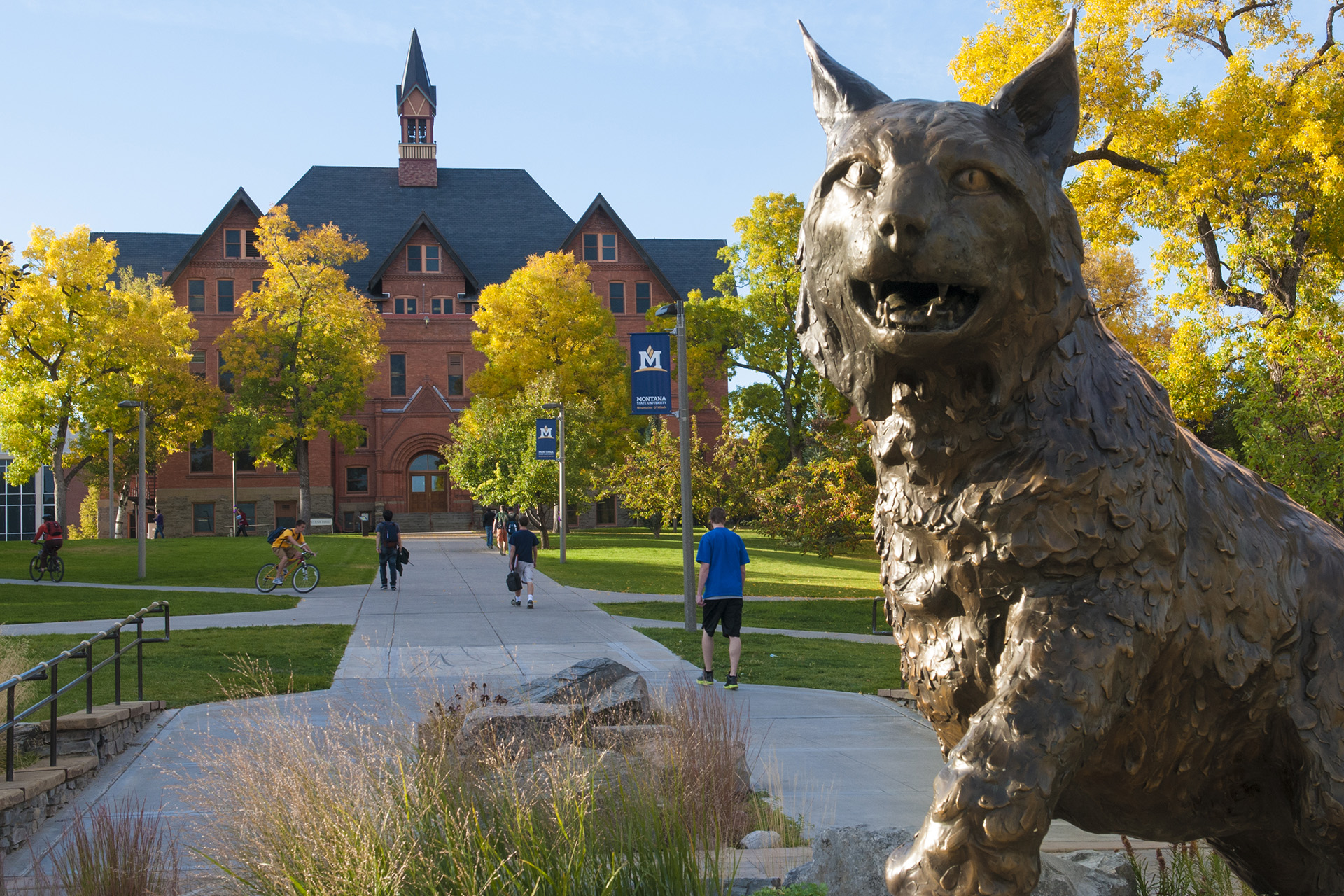
These digital assets are to be used for backgrounds in a number of settings such as computer or phone wallpapers, teams meeting backgrounds or TV backgrounds. Click on a image below to download it.




















Email Signatures
- Highlight the "Copy from here... to here" area below from your preferred template and copy it.
- Go to Outlook then Signatures, Manage Signatures, and then "+" Here you can add a name for your new signature and paste into the body.
- Delete the two lines "Copy from here..." and "...to here"
- Update all of the written information to your own.
- Delete any non-pertinent or unwanted information. The social media links and the "Learn more about MSU..." line are optional.
- Right-click on the email address and select "Edit Link" and update link to your email address.
- Click "save" and send a test to yourself or a trusted colleague.
Copy from here... (but delete this after)
 |
Firstname Lastname Job Title | Sub-Department or Organization Department or Organization Name PO Box 177777 | Bozeman, MT 59717 P 406-994-5555 | F 406-994-9999 Learn more about MSU montana.edu/about Facebook | Instagram |
...to here. (And delete this, too.)
Copy from here... (but delete this after)
 |
FirstnamemLastnameme Job Title | Sub-Department or Organization Department or Organization Name PO Box 177777 | Bozeman, MT 59717 P 406-994-5555 | F 406-994-9999 Learn more about MSU montana.edu/about Facebookok | Instagram |
...to here. (And delete this, too.)
Ringtones & Audio files
Looking for other digital communications tools?
Digital banners, graphics, icons and more can be designed on request with our Creative Sercives Team.